Describe what the photo cannot show.
Add a short typed or spoken description, with an optional meal photo. Name the foods you know, mention oils or sauces, and give amounts when you have them. A picture alone cannot establish every ingredient or its weight.
For example
“A bowl of cooked rice, grilled chicken and broccoli, with about a tablespoon of sauce.”
Check the foods, then the portions.
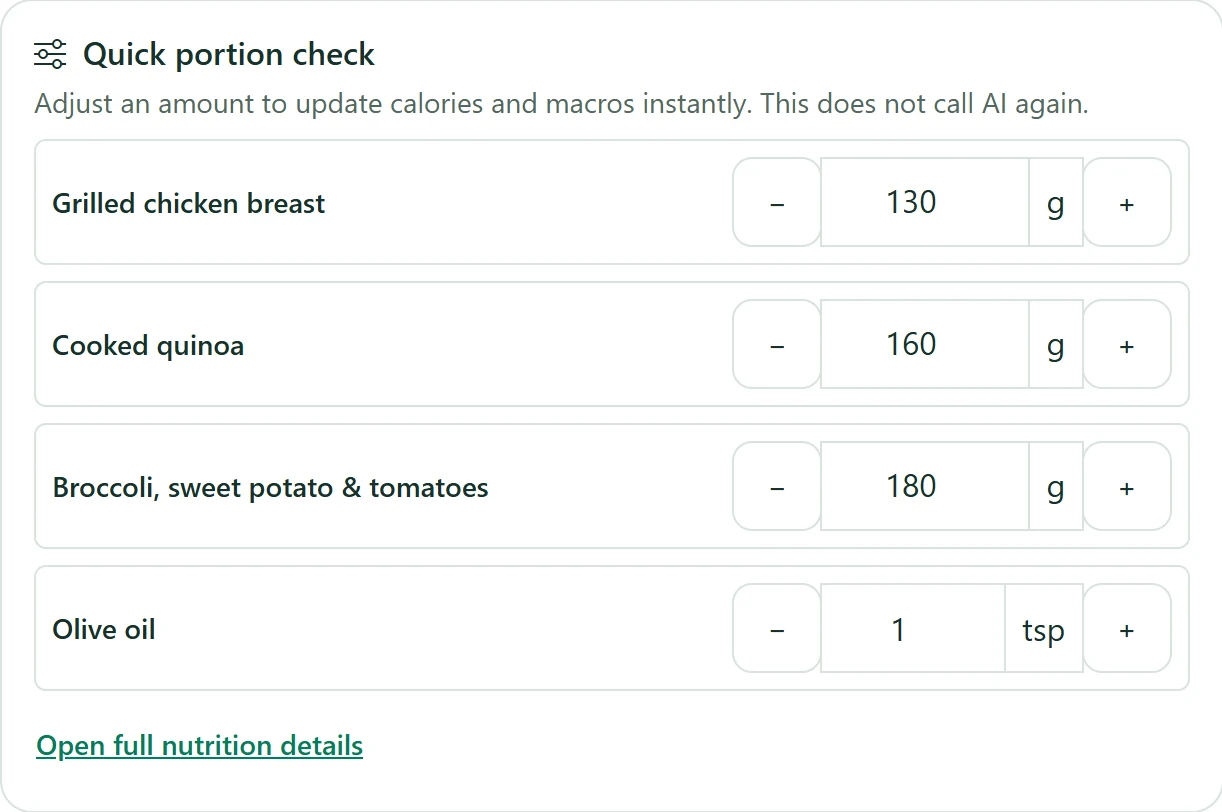
After analysis, review the detected ingredients and the amount assigned to each one. Change an amount you know is wrong. If you change the meal description or package information, analyze again so the result reflects that change.
Calories and nutrients are estimates. Missing nutrient values remain unknown; a partial total is not a complete account of everything in the meal.
- Check that each food belongs in the meal.
- Keep cooked weights separate from dry package weights.
- Include cooking oil, toppings and sauces when known.
Have a package? Bring its label into the review.
For packaged ingredients, scan a barcode, upload nutrition-label photos, or enter label values. Check the product, serving size and extracted numbers against your package before using them.
A label describes its printed serving. It does not tell the app how much you ate. For foods that change weight during cooking, confirm how the portion was measured.
See barcode and label scanningNo scale? Keep the estimate honest.
Describe the amount roughly: a small bowl, a cup, a few pieces, or part of a package. In package portion details, choose “I didn’t weigh it — estimate” when appropriate. The result stays an estimate rather than treating a guessed amount as measured.
Manual entry and saved favorites are also available when you already know what to log. AI food analysis is a Premium tool when subscriptions are enabled.
Understand cooked, dry and unweighed portions